
Resources · D · partial
Premium Photos
Create a nicer photo from a saved view. This guide is partial — the full path is still growing.
1. Be Connected
Official must show Connected for your seat. Premium Photos may use Luna / photo credits.
2. Save the view you want
Frame the wall or room, then save that view.
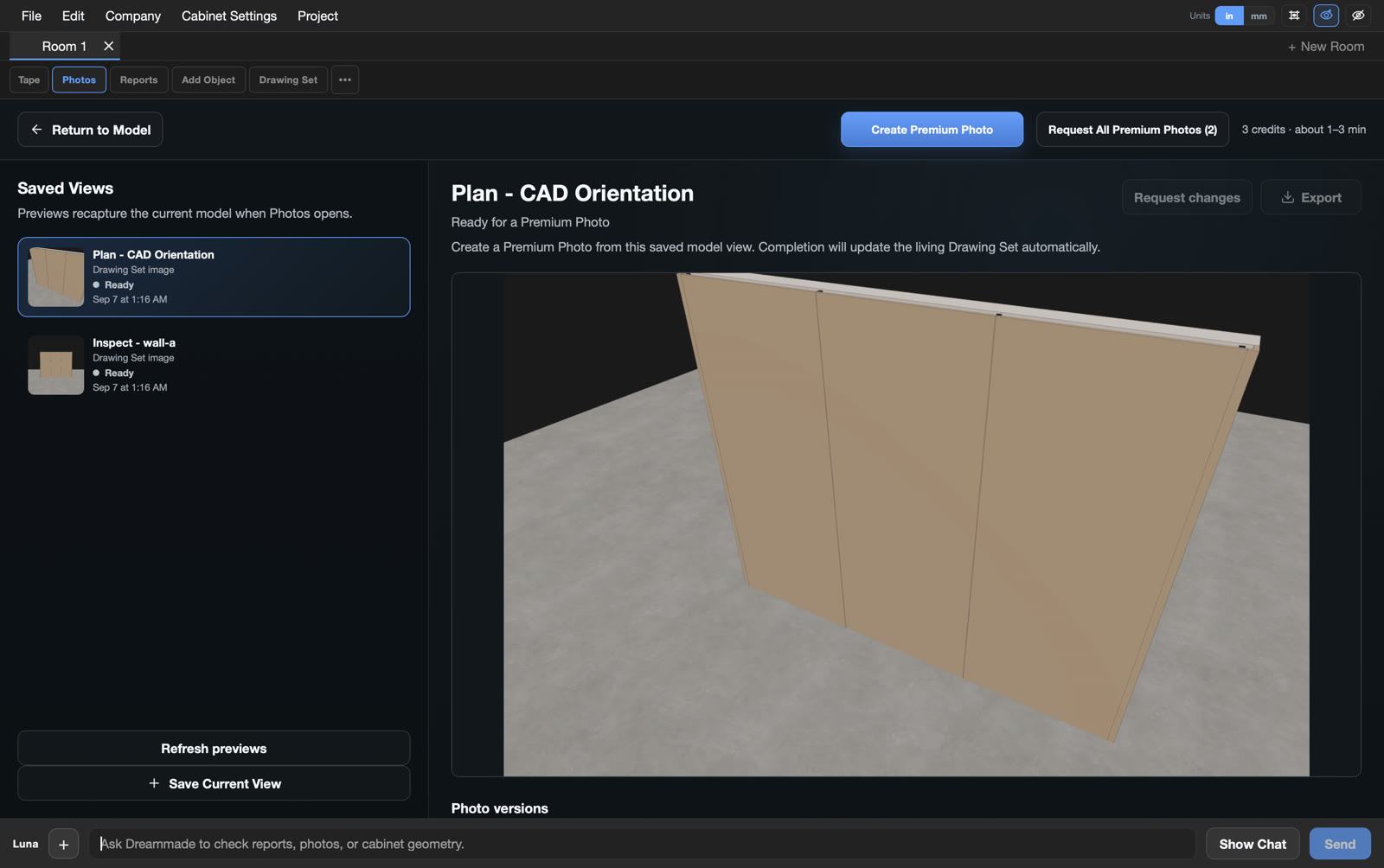
3. Open Photos → Create Premium Photo
On the toolbar, click Photos. Choose Create Premium Photo when shown. This is the entry path — not a finished render.
4. What to expect
When a Premium Photo finishes, it shows up with your drawings. Timing and availability can vary — do not assume instant or unlimited.