
Resources · C
First job
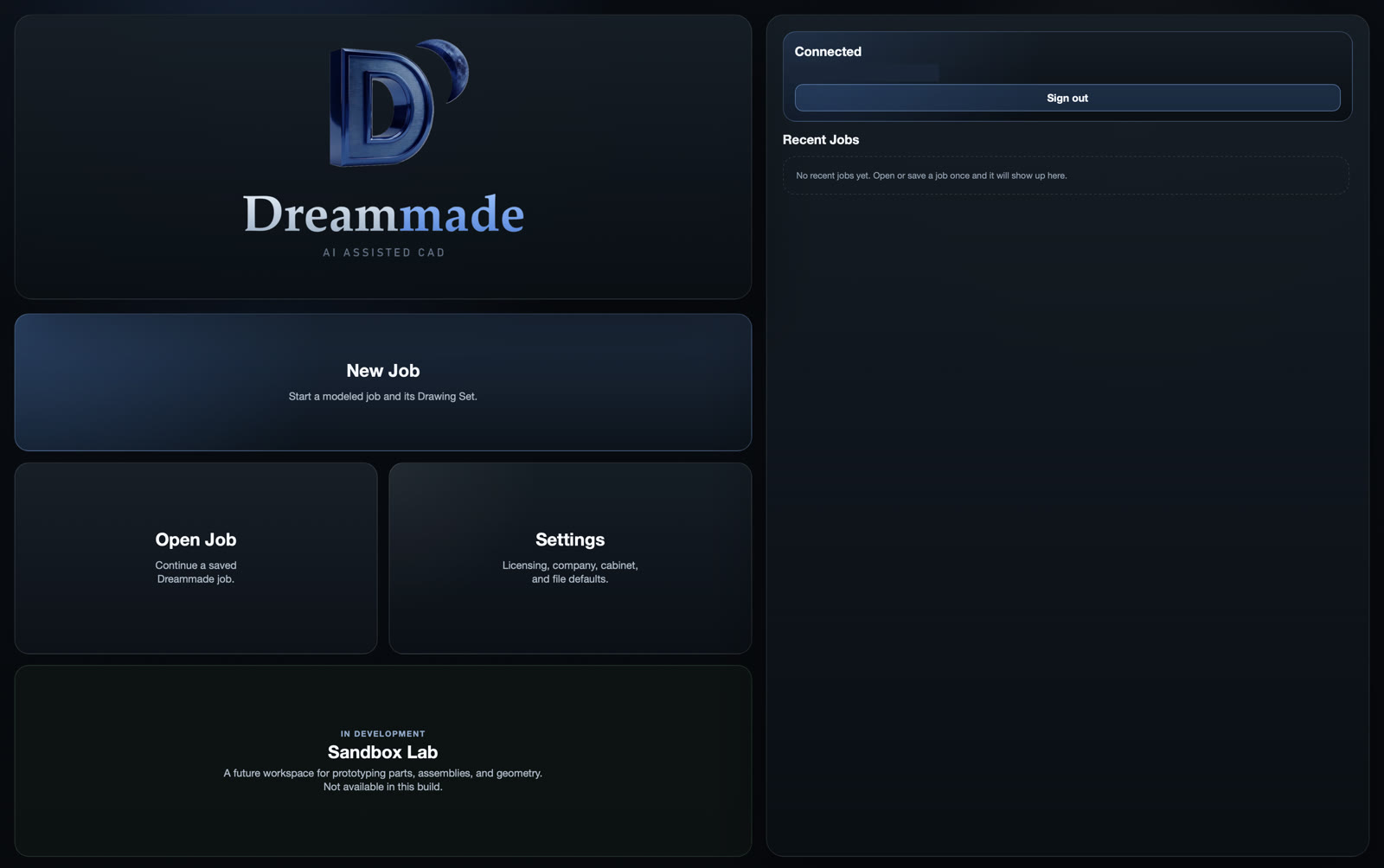
After Connect, start a simple job. Ignore Sandbox Lab if it says In Development — use New Job for this walkthrough.
1. New Job
Click New Job on the Official home screen.
2. Room setup
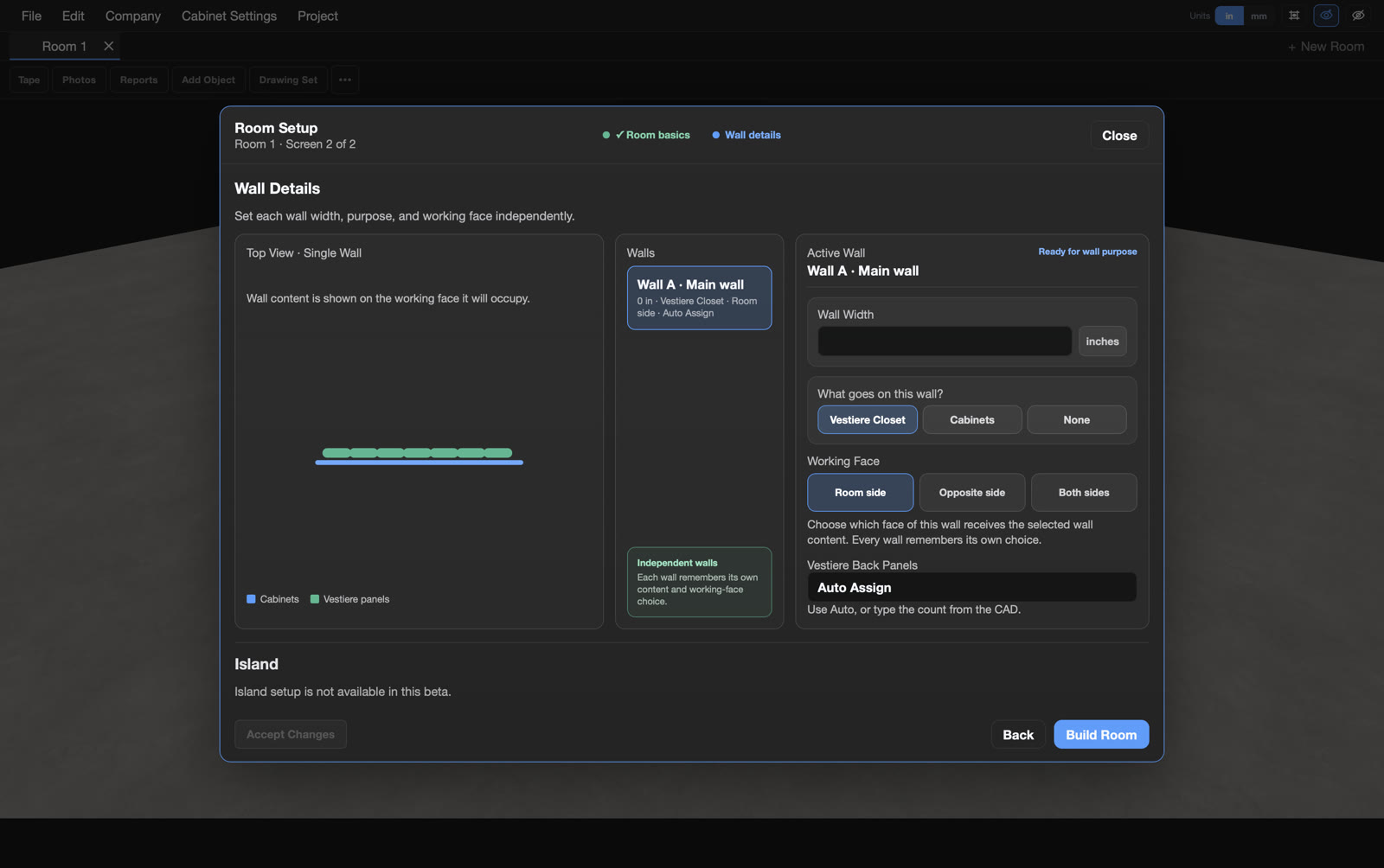
On Wall details, set Wall Purpose and Working Face, use Auto Assign if shown, then click Build Room.
3. After Build Room
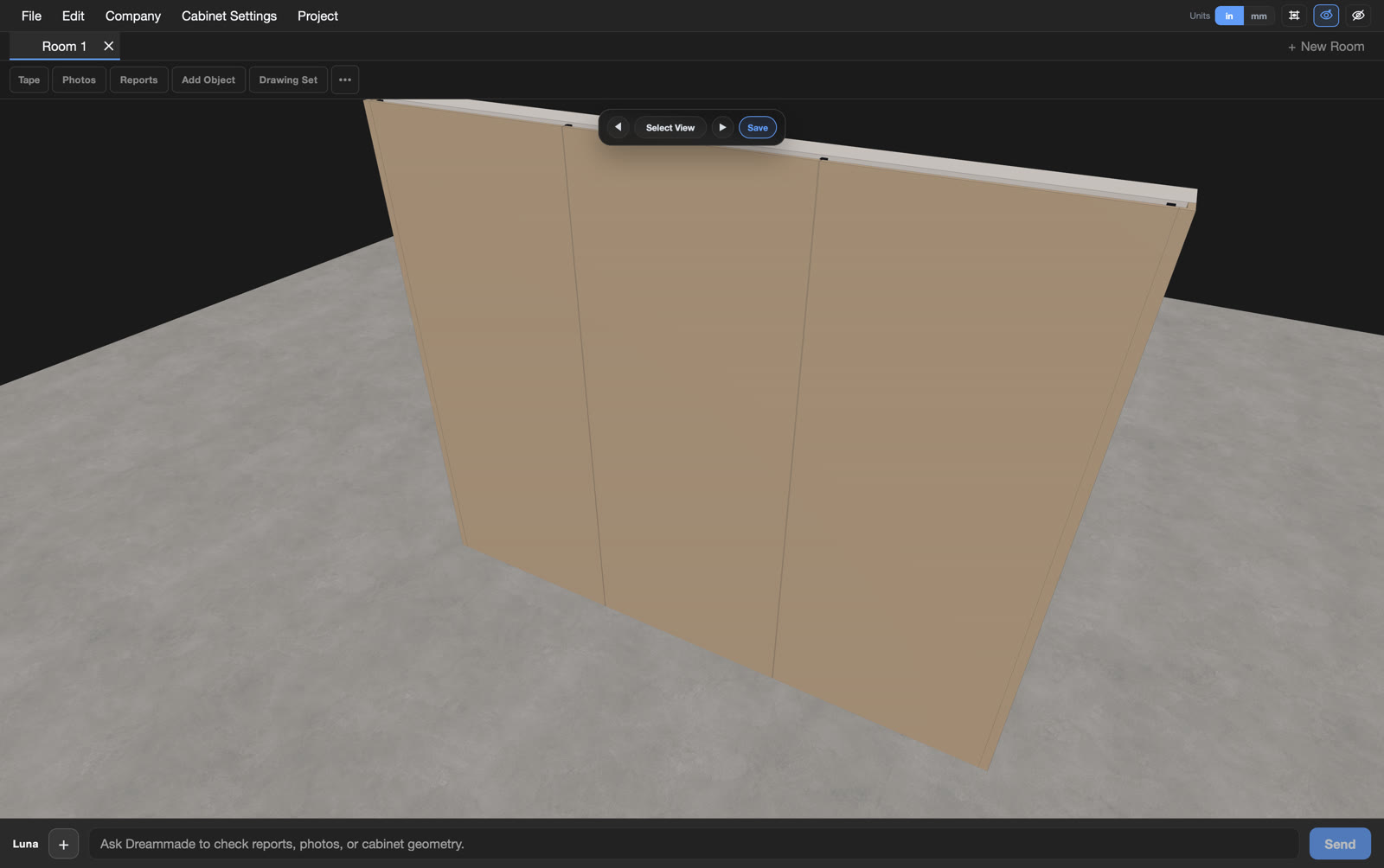
You should land on Room 1 / Wall A. Toolbar tools include Tape, Photos, Reports, Add Object, and Drawing Set.
4. Luna quick check
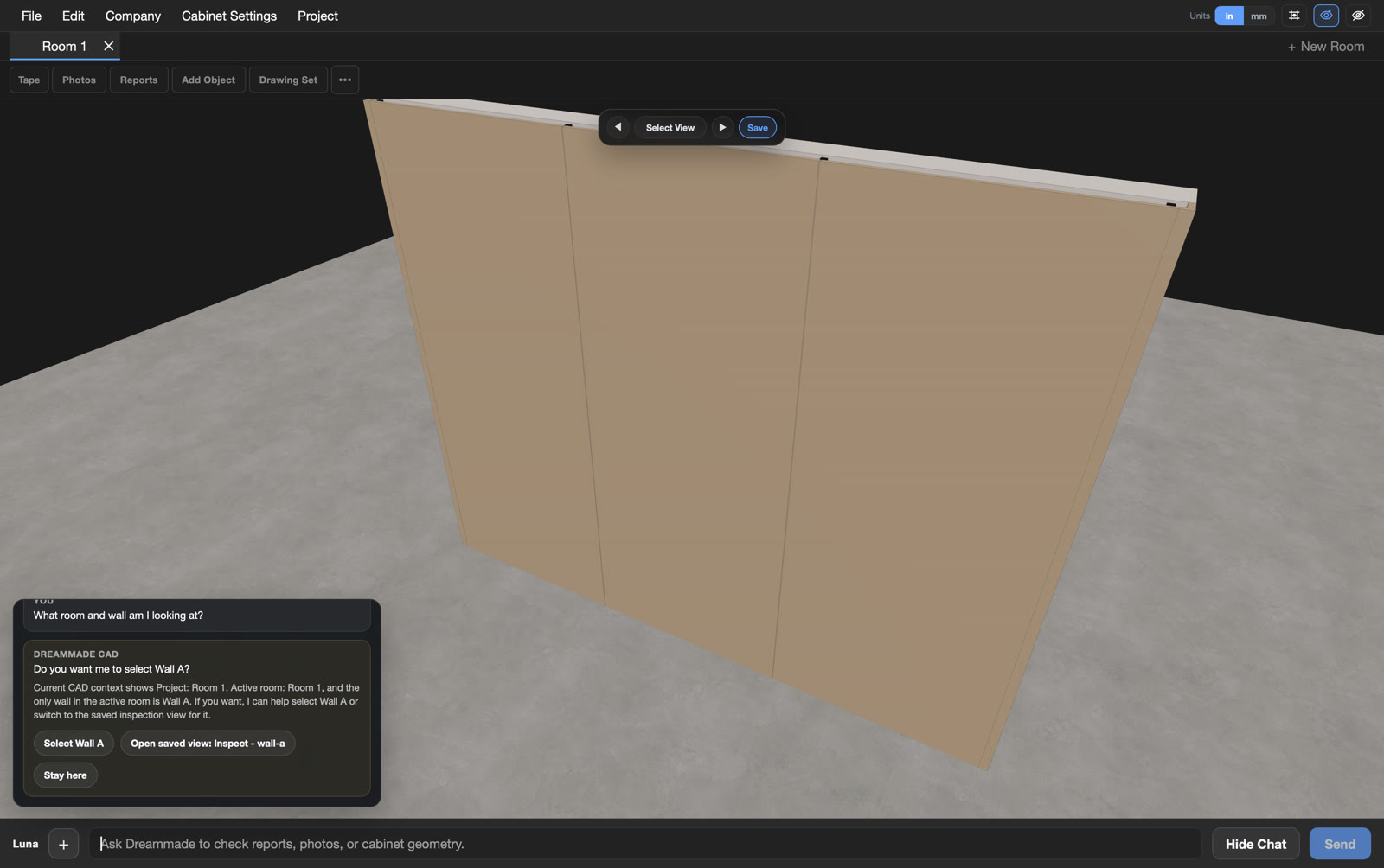
Ask Luna something simple about Room 1 or Wall A. Luna uses Luna credits on Account; when credits hit zero, Luna stops but seats stay up.
Still verify work before production.
Also: Vestiere Installation · Resources