Resources · A
Door — account → download → install
Get from the website into Official on Mac or Windows.
1. Create an account (or sign in)
Go to dreammade.app/trial or dreammade.app/account.
Use your website email and password. This is not the Official connect code.
2. Open Account → Download
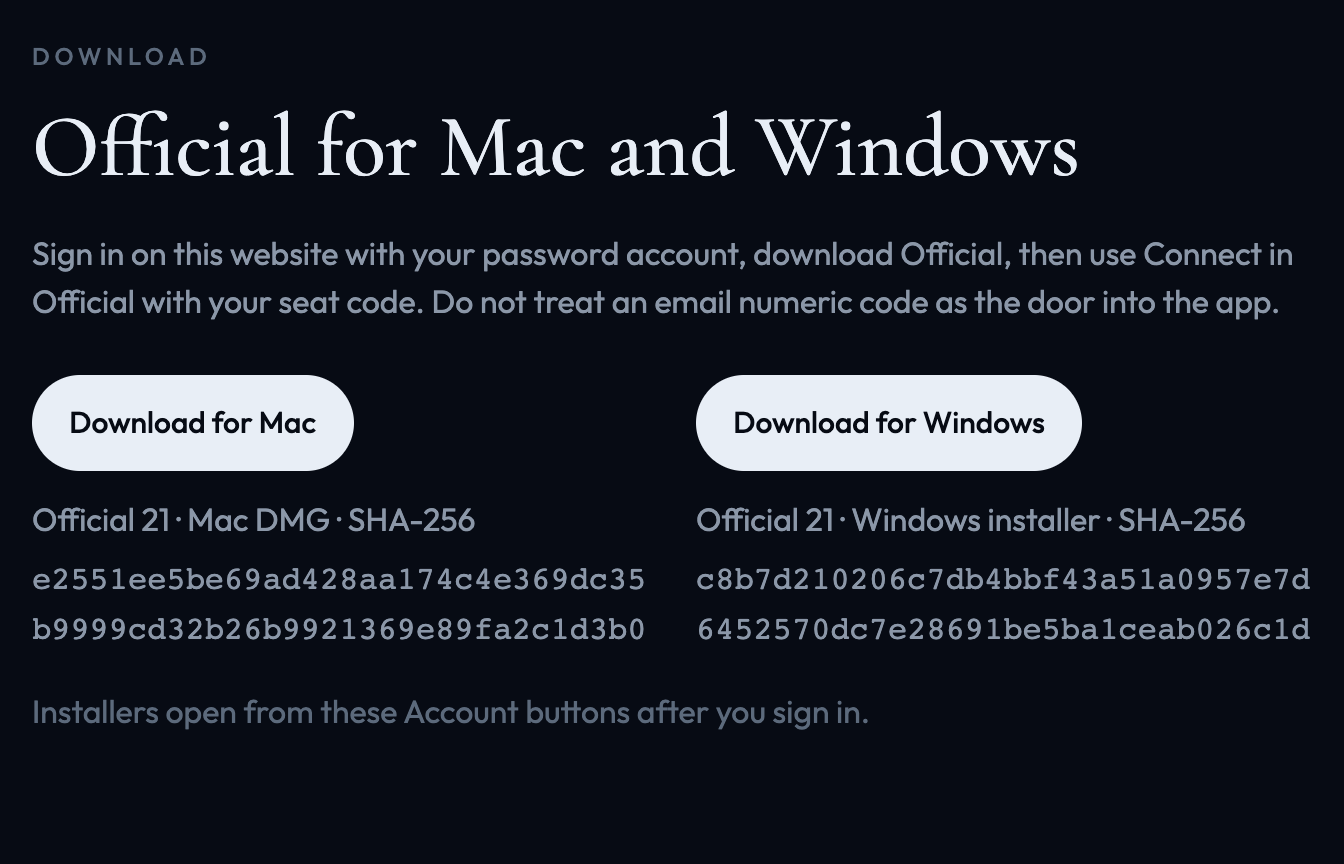
On Account, open Download. Choose Mac or Windows. That is how you get Official.
3. Install — Windows SmartScreen
Windows may show “Windows protected your PC.” On a normal Official install, choose More info, then Run anyway.
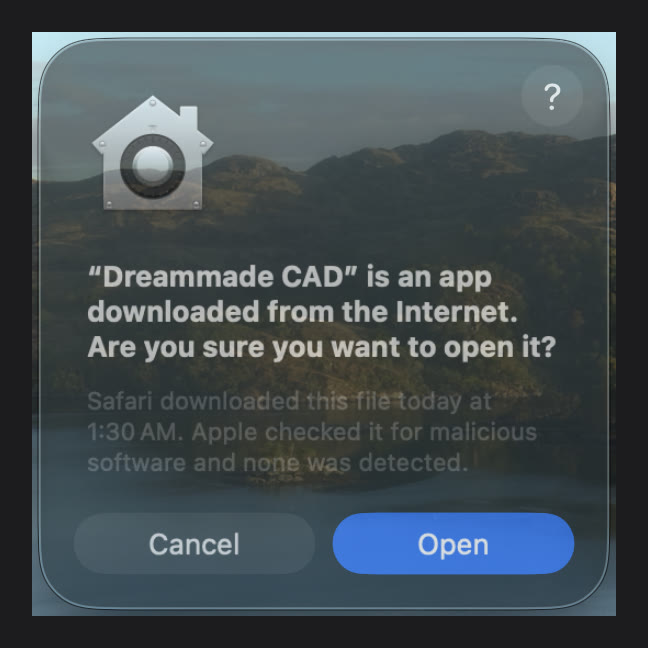
4. Install — Mac Gatekeeper
Open the Official DMG from Finder. If Mac asks, confirm Open for Dreammade CAD.